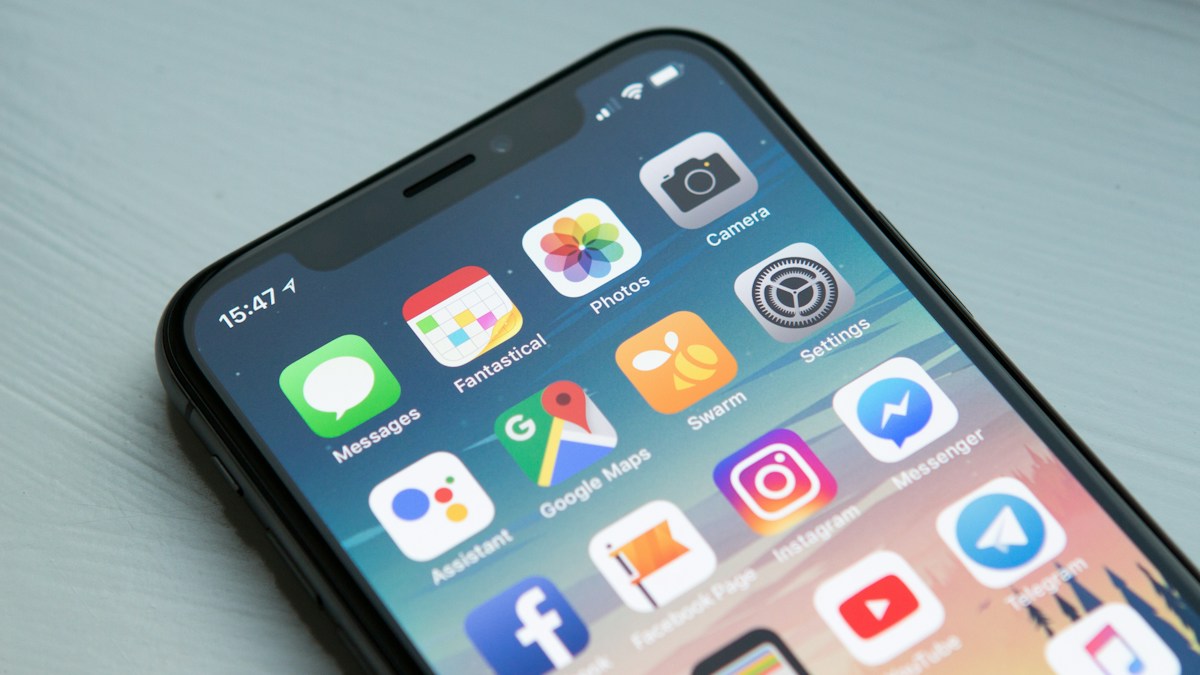
For users who live between ecosystems with an Android smartphone (Samsung Galaxy, Google Pixel, Xiaomi, OnePlus, etc.) and an Apple Mac (MacBook, iMac, Mac mini), moving files back and forth has historically been a miserable experience.
Apple's macOS offers zero native support for the Media Transfer Protocol (MTP) commonly used by Android phones. Google released an official app called Android File Transfer over a decade ago, but it has not seen meaningful maintenance in years. Launching it today is almost guaranteed to trigger one of these familiar errors:
- "Could not connect to device. Try unlocking your device or reconnecting."
- The app freezes and crashes halfway through copying a 4K video or photo album.
- Third-party apps like Samsung SmartSwitch or preview daemons lock the USB device handle, bricking all MTP communication.
In 2026, you do not need a USB cable or broken MTP drivers to move files between Android and Mac. By utilizing modern local Wi-Fi peer-to-peer technology, wireless transfer is not only faster than cheap USB 2.0 cables—it is vastly more reliable.
Why Is Cable Transfer So Terrible on Mac?
- macOS Lacks Native MTP Drivers: While Windows has built-in MTP support, macOS only recognizes Apple iOS devices (via Apple Mobile Device Service) or standard Mass Storage (MSC).
- Android USB Permission Fragility: Modern Android defaults to "Charge Only" whenever plugged into USB. The moment your phone screen locks or the cable jiggles slightly, the connection resets and Mac apps crash immediately.
- Handle Lock Conflicts: If any Mac background service (like macOS Photos or a manufacturer utility) opens the USB device handle first, other software is completely blocked from accessing the storage.
The Modern Solution: Wireless Local P2P via SyncDrop
The cleanest way to bridge Android and macOS is to bypass cables and MTP altogether, establishing an encrypted local stream over your Wi-Fi network.
Key Advantages:
- Zero Cables Needed: As long as your Mac and Android phone are connected to the same Wi-Fi, they discover each other instantly.
- 100% Original Quality: High-resolution 108MP RAW captures, 4K 60fps video clips, and large APK or ZIP files are transferred byte-for-byte without compression.
- Full Router Bandwidth: On a standard Wi-Fi 6 home router, speeds typically reach 30MB/s to 80MB/s, easily outpacing USB 2.0 cable real-world throughput.
- Bi-Directional: Send effortlessly from Android to Mac, or drag and drop Mac files directly onto your phone.
3 Steps to Transfer Files from Android to Mac
Step 1: Connect to the Same Wi-Fi
Ensure your Android phone and Mac are connected to the same home or office Wi-Fi network (or turn on your phone's Wi-Fi Hotspot and connect your Mac to it).
Step 2: Open Device Discovery
Launch SyncDrop on both your Mac and Android phone. There are no account logins, cloud servers, or pairing codes required. Both devices automatically show up on each other's radar within seconds.
Step 3: Select and Send
- Android ➡️ Mac: On your phone, tap Send, select photos, videos, or documents from your gallery/file manager, and tap your Mac's name. A progress bar appears on Mac, and files download directly to your
Downloadsfolder. - Mac ➡️ Android: Simply drag any file from your Mac desktop onto your phone's icon inside SyncDrop. Your phone receives it instantly and saves it to its local storage.
Pro Tip: Automatic Over-the-Air Photo Backup
If you take thousands of photos on your Android phone, you do not even need to manually select and send them.
SyncDrop includes an Automated Charging Trigger:
- Configure your primary Mac as the target receiver.
- Set the trigger condition: Connect to Home Wi-Fi + Plugged in to Charger.
- Every night when you plug your Android phone in by your bedside, all newly captured photos and videos automatically sync to your Mac's hard drive in the background. No cloud subscription required.
Related Guides
How to Losslessly Export All iCloud Photos to an External Drive or NAS on Mac (No 1,000-Item Limit)
Out of iPhone/Mac storage or stuck with iCloud Web's 1,000-photo export limit? Learn how SyncDrop for macOS exports full-resolution HEIC, JPG, RAW, 4K videos, and Live Photos directly to your external SSD or NAS with pause/resume support.
Mobile Studio Mode Guide: Real-Time Camera Tethering to Mac/PC, Smart TVs, NAS, Google Drive, Dropbox, SFTP & S3
Turn your smartphone into a wireless tethered camera! Stream photos instantly to Mac/PC monitors or Smart TVs with SyncDrop Studio Mode while syncing seamlessly to NAS, Google Drive, Dropbox, SFTP, WebDAV, SMB & S3.